
Android Download:http://bit.ly/2erw1hz
iOS Download:http://apple.co/2eoInek
Official Site:http://sfonline-en.istargames.com/index2/
Facebook Page:https://www.facebook.com/StarryFantasyEN
There are two ways to top up:
I) Official webpage top up
II) In-game top up
Steps to top up:
I) Official webpage top up
1. Enter the official third party payment page:http://bit.ly/2eXzas7
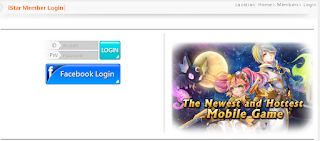
2. Login to your game account

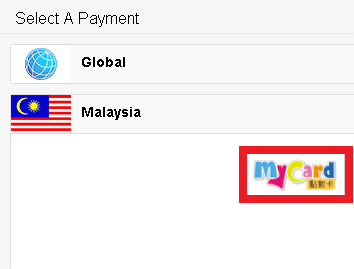
3. Select【Malaysia】 >Select【MyCard點數卡】as payment method

4. Select【MyCard】again>Select game as【Starry Fantasy Online】>Select【Server】>Select【Character】>Select your phone OS>Key in your MyCard Serial number and password, then press【send】to complete


II) In-game top up:
1. Login to the game, select 【Top-up】as shown


2. Select the item that you intend to buy


3. Choose 【MyCard】 as your payment method


4. Select【點數卡儲值】


5. Key in your MyCard Serial number and password, then press【確認】to complete


Shall you having any issues regarding MyCard Top Up, reach us at our official Facebook page and leave us a message! Our customer service will reach back for you as soon as possible:https://www.facebook.com/MyCardMalaysia


